您絕對不能錯過的更新:Office 2016 與 Office 2019 支援終止

立即閱讀
我們利用人工智慧進行網站翻譯,雖然我們力求準確性,但它們可能並不總是 100% 精確。感謝您的理解。

MetaDefender Drive™ v4.4.3 Release

Expanded Integration with MetaDefender Kiosk and Operational Improvements
作者: OPSWAT 發布
分享此文章

MetaDefender Drive v4.4.3 introduces new capabilities that further streamline device management and improve operational usability in high security environments. This release expands the integration with MetaDefender Kiosk™ and includes several usability improvements designed to simplify daily operations for OT teams and administrators.

Update MetaDefender Drive Image via MetaDefender Kiosk

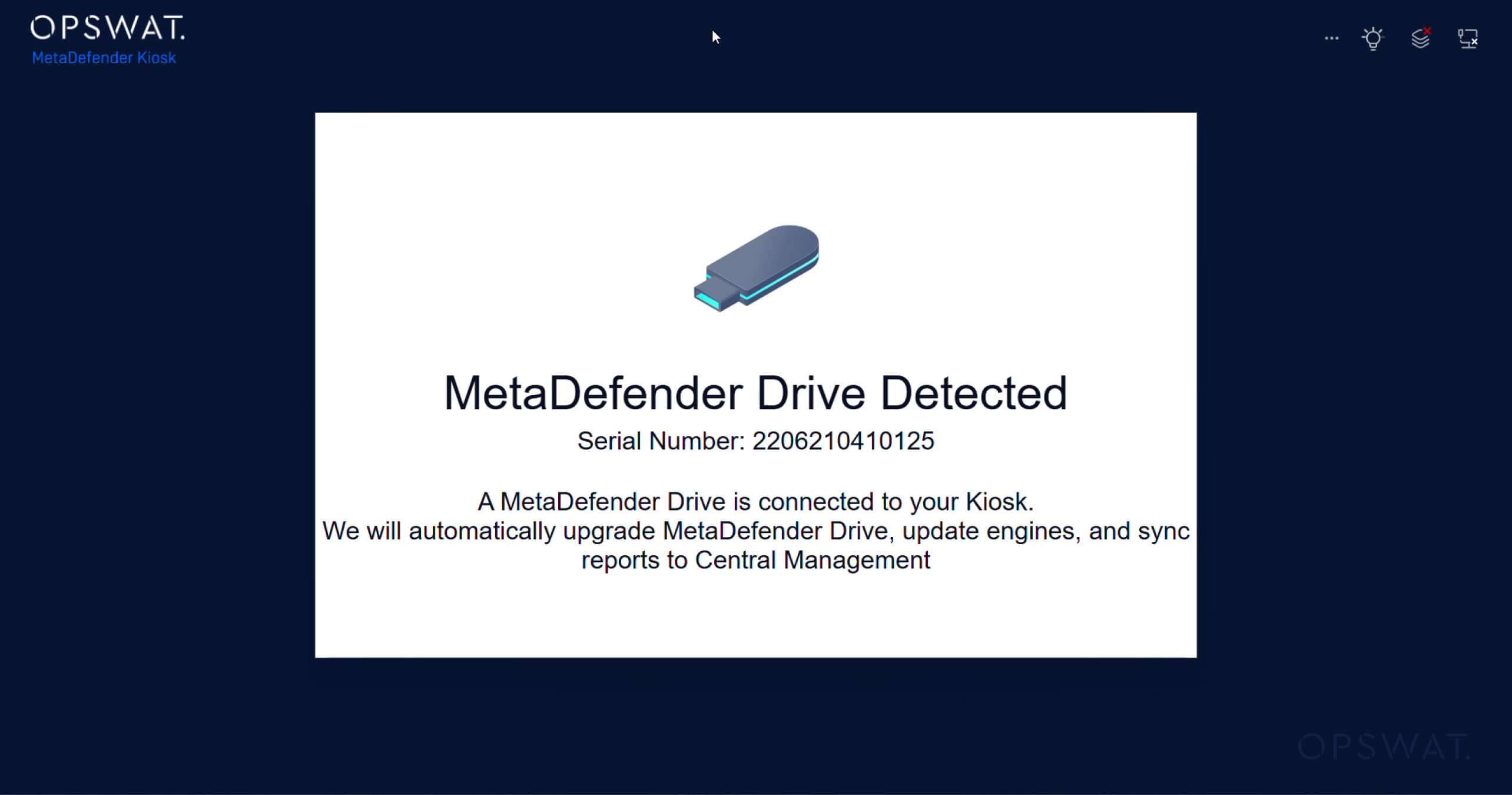
In previous releases, MetaDefender Drive could connect to MetaDefender Kiosk to synchronize scan reports with My OPSWAT™ Central Management and update malware scanning engines. This release enables MetaDefender Drive operators to keep the MetaDefender Drive device up to date via a MetaDefender Kiosk, extending the integration within the MetaDefender platform, reducing manual steps, and supporting standalone operation.

Users can now perform a MetaDefender Drive system upgrade directly through the MetaDefender Kiosk:

1. Plug the MetaDefender Drive into a MetaDefender Kiosk, which automatically detects the connected MetaDefender Drive and displays a notification

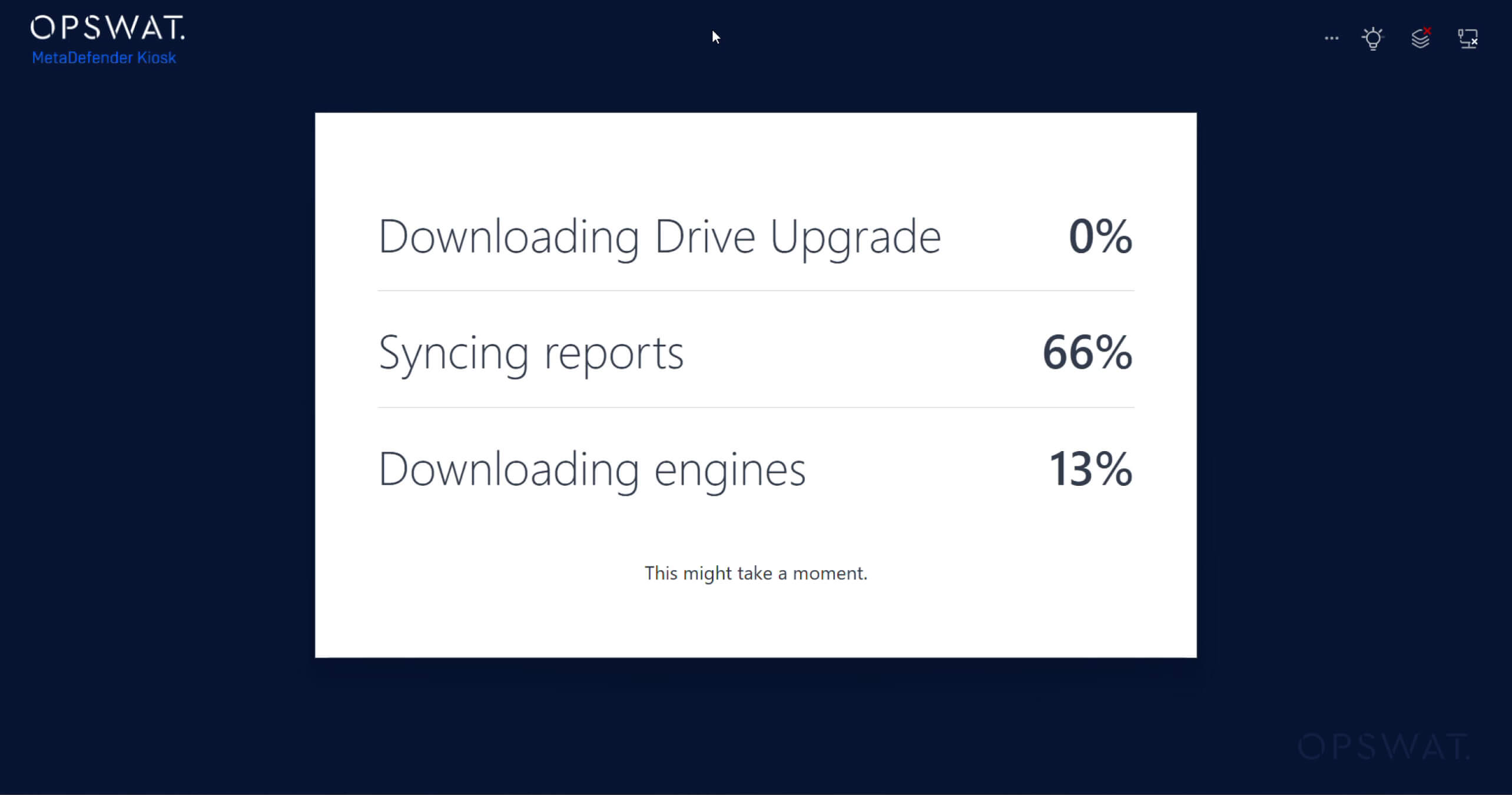
    2. Synchronization begins automatically, including:

    • Scan report synchronization to My OPSWAT Central Management
    • Anti-malware engine updates
    • MetaDefender Drive image updates

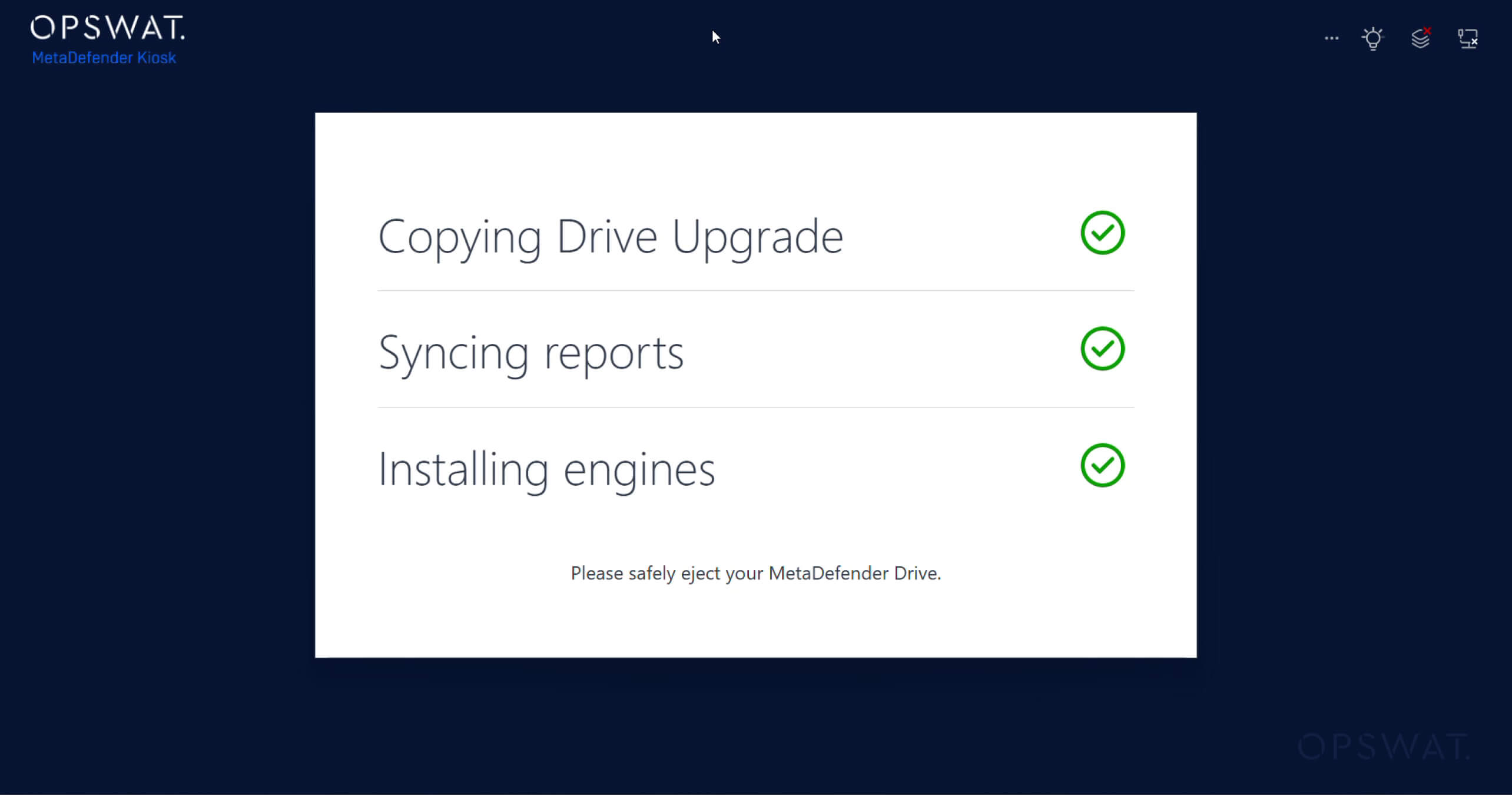
    3. View the completed synchronization and updates on the MetaDefender Kiosk interface:

      Automated Cleanup for Temporary Files After Scanning

      MetaDefender Drive now automatically removes temporary files generated during scanning activities. This automated cleanup helps reclaim disk space and maintain optimal storage availability on the device. For environments where devices are scanned frequently, this improvement helps ensure that disk space is used efficiently and keeps the device ready for continuous use without requiring manual maintenance.

      Improved Engine Status Indicators

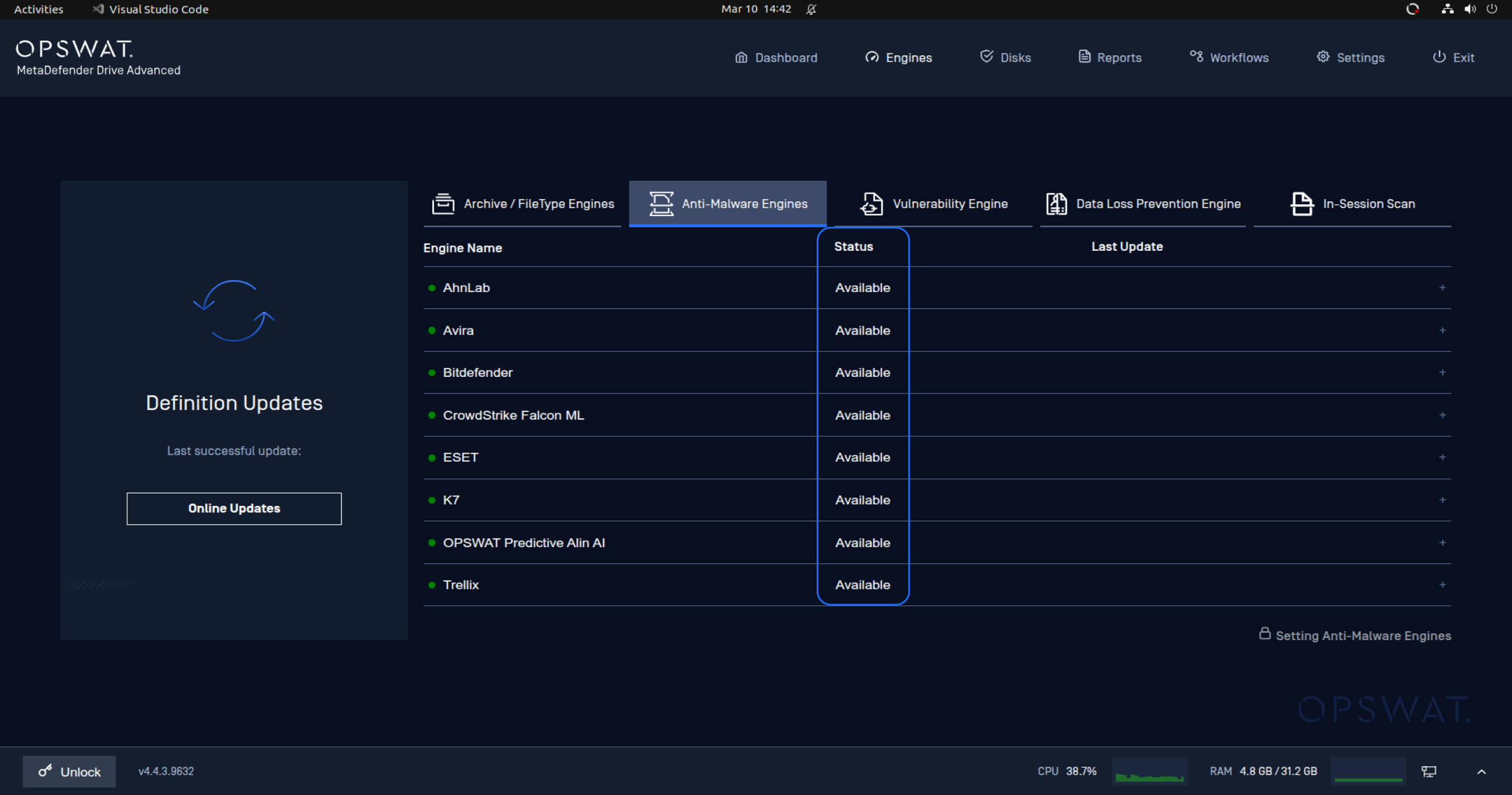
      Engine status indicators have been updated to provide clearer, more intuitive information about the malware scanning engines' availability. The previous statuses, like Disabled or Downloaded, have been replaced and simplified to show only the Available status, with a green status icon when engines are ready for use.

      Clear Error Messaging When MetaDefender Drive Is Ejected

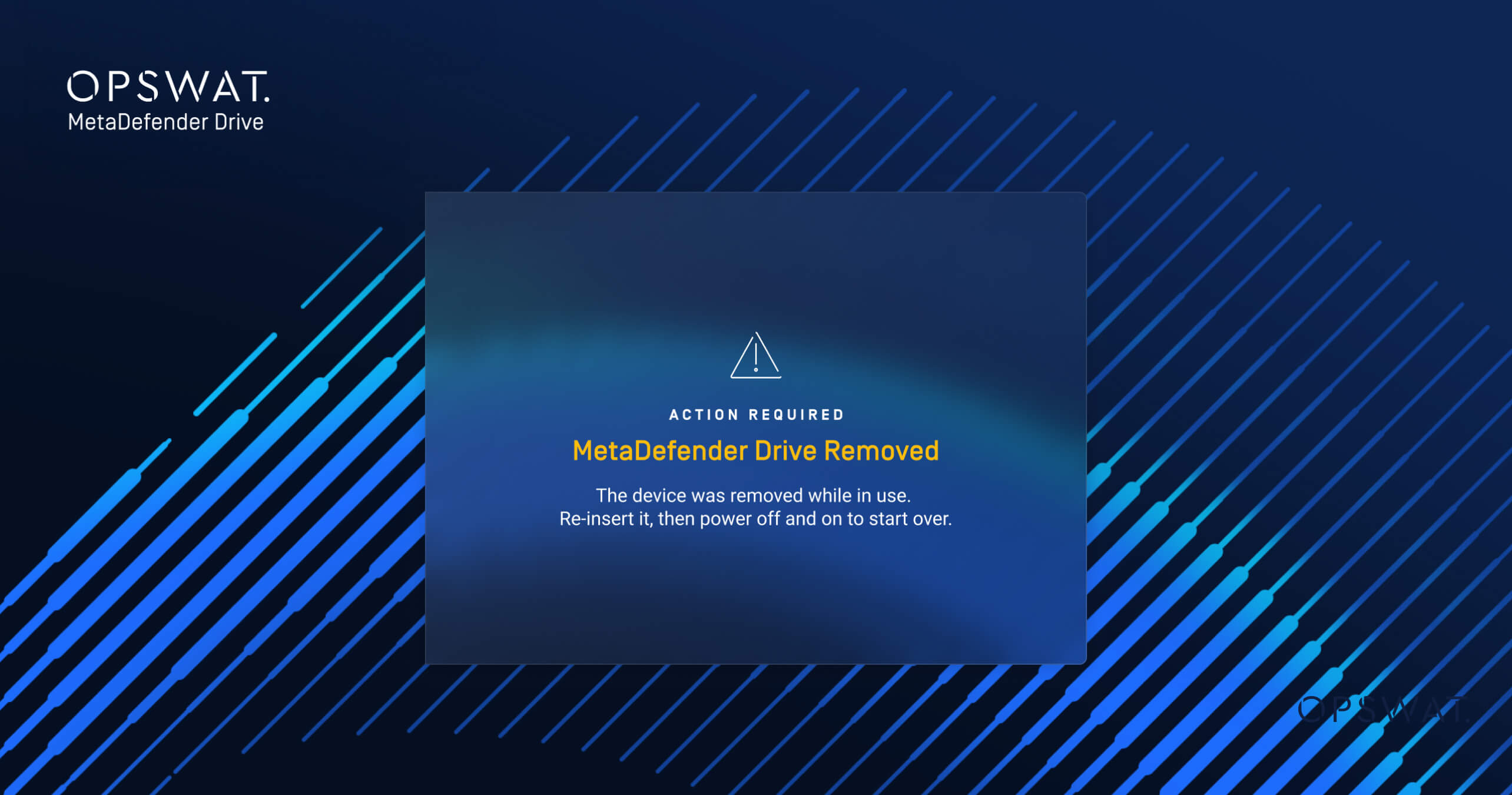
      This release also includes a new notification for users when MetaDefender Drive is ejected during operations. If a MetaDefender Drive is disconnected while an activity is in progress, the system now displays a clear error message indicating that a reboot is required and that the ongoing activity has been halted.


      發行細節: 

      • 產品: MetaDefender Drive
      • Release Date: March 17, 2026
      • 發佈說明: 在此瞭解更多資訊 


      To update MetaDefender Drive, download the latest version of MetaDefender Drive Toolkit and follow the installation instructions. 

        隨時瞭解OPSWAT 的最新資訊!

        立即註冊,即可收到公司的最新消息、 故事、活動資訊等。